side by side
modulate.pro and Notion
Both will hold your notes. They disagree about the moment you have to decide where one goes, and that disagreement is the whole of it.
An app that does not ask you where a thought goes while you are writing it. This page compares what each one asks of you, which is the part you can check by opening them. It does not score them, and it is written by us, so read it as what it is.
What happens when you have a thought with both hands busy?
Notion
A note is a page, and a page lives somewhere: a workspace, a parent page, a database. Quick capture shortens the trip, but a page still ends up in a place, and the place is chosen by somebody.
modulate.pro
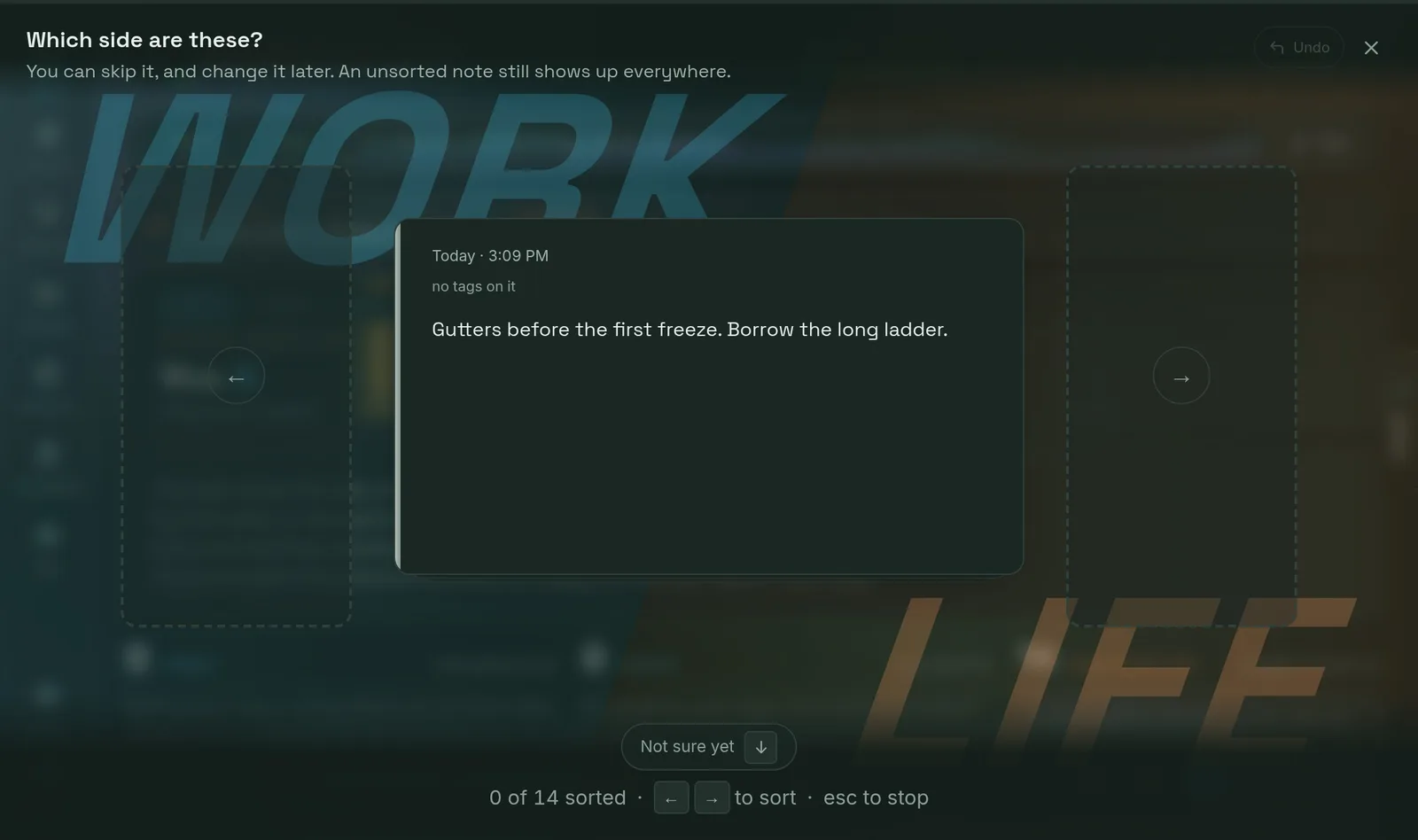
You write it and stop. Nothing asks for a folder, a tag, a side or a date. The thought goes in unfiled on purpose, and the deciding is a separate job you do later at a desk.
What happens to the filing you skipped?
Notion
It stays where it landed. Notion has search, and search is good, so an unsorted page is findable rather than filed. Tidying is something you decide to do, which usually means it is not done.
modulate.pro
It piles up where you can see the pile, and clears in one pass on the arrow keys. Filing a tag files every note under it, so one keystroke can move a dozen at once.
Can you keep work and the rest of your life apart?
Notion
With separate workspaces, or by keeping the two in different trees. Both work, and both are something you set up and then maintain.
modulate.pro
One switch above the tags. Every tag belongs to work or to life, chosen once, so putting a side away takes its notes and its tags out of every picker and filter at the same time.
What happens with no signal?
Notion
Notion has offline support, and it is best when the pages you want were already open on that device. It is a connected product by design.
modulate.pro
Writing works with no signal because no signal was the ordinary case it was built in. It syncs when there is something to sync to, and nobody has to remember to press anything.
What does it cost to leave?
Notion
Export is available, and a Notion workspace is a structure as much as it is text, so what comes out is worth checking against what you would need to rebuild.
modulate.pro
One JSON file with every note, tag, checklist, deadline, chat and connection, on every plan including the free one. It is a right rather than a feature.
where Notion is the better answer
If the thing you are building is a document, a wiki or a database, use Notion.
This is not a hedge. Notion is a place to build structure and then work inside it: shared documentation, a spec, a table with views onto it, a team's reference material. This product does none of that and is not trying to. Our own about page says the same thing unprompted, that it is deliberately not a project manager, a wiki, or a place to keep documentation. If your problem is that six people need one page to agree on, you are on the wrong site.
The reader this is for has a different problem: the thought arrives while both hands are busy, and any question asked at that moment is the reason it does not get written down. If you have tried keeping a Notion inbox page and found that the inbox is where notes go to be quiet, that is the thing this is built around rather than a habit you were supposed to fix.
No credit card. Everything you write is exportable in one file, on every plan, from the day you start.
Also compared: Google Keep and Evernote.